Pinterest is not just a platform for sharing images; it is also a visual search engine where millions of users discover ideas, products, tutorials, and inspiration every day. A well-written Pinterest description helps Pinterest understand what your Pin is about and helps users decide whether they should click, save, or explore your content.
Many creators focus only on creating attractive images but ignore the importance of the description. A Pin with a clear title, useful description, and relevant keywords has a better chance of appearing for related searches because Pinterest uses text information to understand content.
Learning how to write Pinterest descriptions correctly can help bloggers, businesses, creators, and marketers improve their content visibility while providing a better experience for users.
This guide explains what makes a good Pinterest description, how to optimize it naturally, what mistakes to avoid, and how to create descriptions that attract more clicks and saves.
What Is a Pinterest Description?
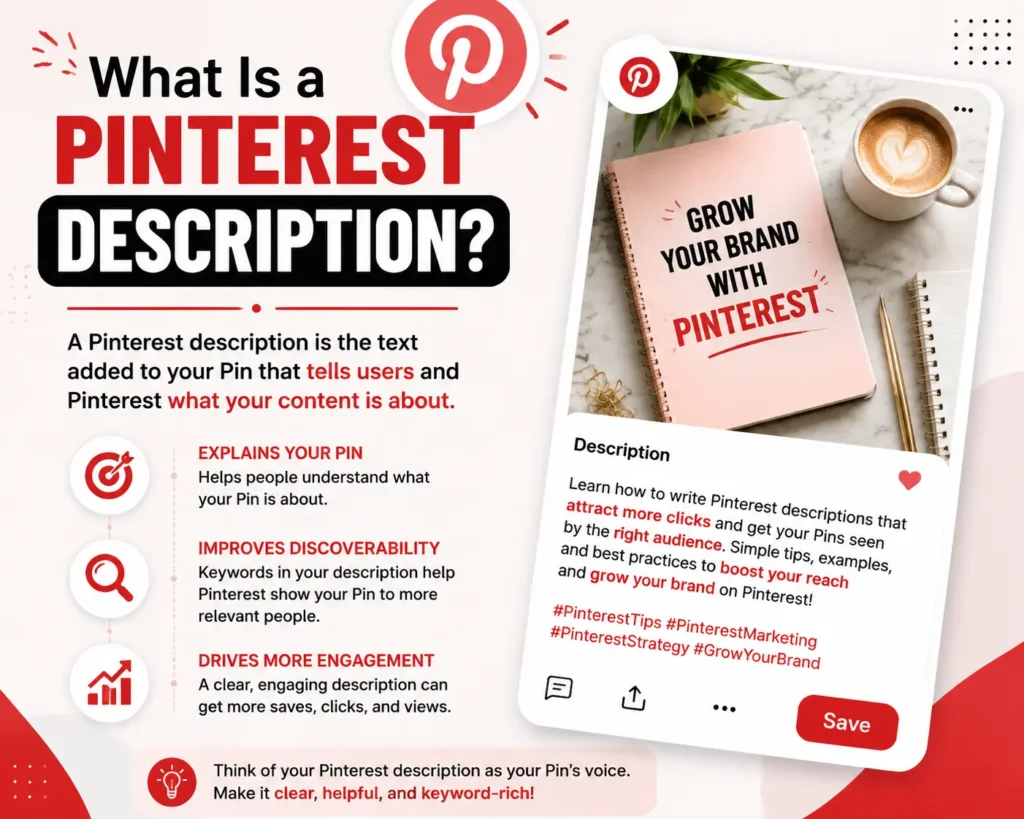
A Pinterest description is the text added to a Pin that explains the content, provides context, and helps Pinterest categorize the Pin.
It can include:
- A brief explanation of the Pin
- Relevant keywords users may search for
- Helpful information about the content
- A natural call-to-action when appropriate
- Related phrases that describe the topic
For example, a Pin about home organization could have a description like:
Discover simple home organization ideas to create a cleaner and more functional space. Learn storage tips, decluttering methods, and creative organization solutions for every room.
This description tells Pinterest and users exactly what the content provides.
A good Pinterest description should not be a random collection of keywords. It should naturally explain the value of the Pin.
Why Are Pinterest Descriptions Important?
Pinterest works differently from many traditional social platforms. Users often come to Pinterest with a purpose: they are searching for ideas, solutions, products, or inspiration.
A strong description helps in several ways:
1. Improves Content Understanding
Pinterest uses information from Pins, including titles and descriptions, to understand the topic of the content.
A clear description helps connect your Pin with relevant searches.
2. Helps Users Understand Your Content
Before clicking a Pin, users want to know what they will find.
A useful description answers questions such as:
- What is this Pin about?
- Why should someone click it?
- What information or solution does it provide?
3. Supports Pinterest SEO
Pinterest SEO involves optimizing your content so it can appear for relevant searches.
Descriptions are one part of this process along with:
- Pin titles
- Board names
- Keywords
- Images
- Engagement signals
A description alone cannot guarantee more views, but it can improve how clearly your content communicates its topic.
How to Write Pinterest Descriptions That Get More Views
Creating an effective Pinterest description requires a balance between search optimization and helpful writing.
Follow these steps to create better descriptions.
1. Understand Your Target Audience
Before writing a description, think about who will search for your content.
Ask:
- What problem does this Pin solve?
- What information does the user want?
- What words would someone type into Pinterest search?
For example:
A user searching for:
“small bedroom ideas”
may want:
- Space-saving furniture
- Storage solutions
- Bedroom decoration tips
- Apartment design inspiration
Your description should match the user’s goal.
2. Start With a Clear Explanation
The beginning of your description is important because it quickly tells users what the Pin offers.
Instead of writing:
Amazing ideas you will love!
Write:
Explore small bedroom design ideas with practical storage solutions, modern decor inspiration, and space-saving tips.
The second example immediately explains the value.
3. Use Relevant Keywords Naturally
Keywords help Pinterest understand your content.
However, keywords should appear naturally.
For example, if your Pin is about healthy recipes, related phrases could include:
- easy healthy recipes
- quick dinner ideas
- meal preparation tips
- nutritious meals
Avoid writing:
Healthy recipes healthy meals healthy cooking healthy food healthy ideas
This looks unnatural and does not provide value.
A better description would be:
Find easy healthy recipes for busy weekdays, including simple meal ideas, nutritious ingredients, and quick cooking tips.
4. Add Specific Details
Generic descriptions usually provide little value.
Compare:
Generic:
Beautiful ideas for your home.
Better:
Discover modern living room decor ideas featuring minimalist furniture, cozy lighting, and simple styling tips for small spaces.
The second description gives users a clear reason to click.
5. Write for Search Intent
Search intent means understanding what someone wants when they search.
Examples:
Search:
“Pinterest wedding ideas”
Possible intent:
- Planning a wedding
- Looking for decoration inspiration
- Finding themes
A useful description:
Explore elegant wedding ideas including decoration themes, table settings, floral inspiration, and planning tips.
The description matches what the user is looking for.
Pinterest Description Example Templates
Here are some examples of effective description formats.
Blog Pin Example
Learn how to create a productive home office with practical organization tips, desk setup ideas, and workspace design inspiration.
Product Pin Example
Discover comfortable running shoes designed for everyday workouts, walking, and active lifestyles with lightweight support and modern features.
Recipe Pin Example
Try this easy pasta recipe made with simple ingredients. Perfect for quick family dinners, weekend meals, and beginner cooks.
The best descriptions clearly communicate the benefit.
Should I Put Hashtags in Pinterest Description?
Many creators ask, “Should I put hashtags in Pinterest description?”
Pinterest allows hashtags in Pin descriptions, but hashtags should be used carefully.
Unlike some platforms where users heavily rely on hashtags, Pinterest is more focused on search keywords and content relevance.
If you use hashtags, choose specific and relevant ones.
Example:
Good:
Discover simple garden design ideas for small spaces. #gardeningideas #smallgarden
Less useful:
#love #beautiful #viral #trending #amazing
The goal is to provide context, not add unrelated popular terms.
How Many Keywords Should a Pinterest Description Include?
There is no fixed number of keywords that works for every Pin.
A good approach is:
- Use the main topic naturally
- Add related phrases where helpful
- Avoid repeating the same keyword
- Focus on readability
A description written for humans usually performs better than one created only for search engines.
Common Pinterest Description Mistakes
1. Keyword Stuffing
Adding too many repeated keywords makes descriptions difficult to read.
Avoid creating descriptions that look like keyword lists.
2. Writing Very Short Descriptions
A description like:
Great ideas. Check this out!
does not explain anything.
Provide enough information for users and Pinterest to understand the content.
3. Using Unrelated Keywords
Adding popular but unrelated terms can confuse users.
A cooking Pin should not include keywords about fashion or travel just because they are popular.
4. Copying the Same Description Everywhere
Each Pin should have a description that matches its specific content.
Changing wording and focusing on the unique value of each Pin creates better content quality.
5. Ignoring User Intent
A description should answer what the user expects after clicking.
If the Pin promises organization tips, the linked page should provide organization tips.
Pinterest Description vs Pinterest Title
Although both are important, they serve different purposes.
| Pinterest Title | Pinterest Description |
| Short summary of the Pin | Detailed explanation |
| Quickly identifies the topic | Provides additional context |
| Important for search visibility | Helps users understand value |
| Usually concise | Can include more supporting information |
Using both effectively creates stronger Pinterest content.
How to Create a Pinterest Description Copy and Paste Format
Some users search for a Pinterest description copy and paste solution because they want ready-made descriptions.
Templates can save time, but they should be customized.
Example template:
Discover [topic] ideas with helpful tips about [specific benefit]. Learn how to improve [problem] with simple strategies, creative solutions, and practical inspiration.
Replace the placeholders with information related to your actual Pin.
A personalized description will usually be more useful than a generic copied sentence.
Using a Pinterest Description Generator
Writing descriptions for many Pins can become time-consuming, especially for businesses managing multiple boards.
A Pinterest description generator can help create ideas faster by generating different description variations based on your topic.
However, generated descriptions should always be reviewed before publishing. Make sure:
- The description matches the image
- The keywords are relevant
- The wording sounds natural
- The information is accurate
Automation can improve efficiency, but human editing creates better quality.
Rapid Tool Plus Pinterest Description Generator
Creators who regularly publish Pinterest content can use Rapid Tool Plus to simplify content creation tasks. The Free Pinterest Description Generator helps users generate description ideas based on their topics, while the platform also provides other free online tools such as a free meta title generator, meta description generator, keyword generator, social media generators, and SEO tools for improving digital content workflows. These tools can be useful for creators who need faster brainstorming support while still reviewing and customizing the final content before publishing.
Practical Tips for Better Pinterest Descriptions
Use Natural Language
Write descriptions that sound like a helpful recommendation, not a search engine command.
Match the Image
The description should accurately represent what users see.
Focus on Benefits
Explain what users will gain.
Instead of:
Blue kitchen design
Try:
Explore blue kitchen design ideas with modern cabinets, stylish layouts, and decorating inspiration.
Update Older Pins
If an old Pin is still relevant, improving its description can make it clearer and more useful.
Study Successful Content
Analyze popular Pins in your category to understand:
- Common topics
- Language patterns
- Content formats
- User interests
Do not copy descriptions. Use them only for research.
Final Takeaway
A strong Pinterest description helps your content communicate clearly with both Pinterest and users. The best descriptions combine relevant keywords, useful information, and natural writing.
When learning how to write Pinterest descriptions, focus on understanding your audience, matching search intent, explaining the value of your Pin, and avoiding keyword stuffing.
A Pinterest description generator can help speed up the writing process, but the final description should always be reviewed to ensure it accurately represents your content.
Frequently Asked Questions
What should I write in a Pinterest description?
Write a clear explanation of your Pin, include relevant keywords naturally, and describe the value users will get from clicking.
How long should a Pinterest description be?
Pinterest descriptions can contain detailed information, but the ideal length depends on the topic. Focus on providing useful context instead of adding unnecessary words.
Is Pinterest social media?
Pinterest has social features such as profiles, followers, and saves, but it is also widely used as a visual search and discovery platform.
Should I put hashtags in Pinterest description?
Yes, hashtags can be added, but use only relevant hashtags that describe your content. Keywords and clear descriptions are generally more important.
Can a Pinterest description generator improve my Pins?
A Pinterest description generator can help create ideas faster, but results depend on how well the final description matches the content and user intent.